
前阵子开发的插件,还在审核中,今天在自己另一个 vault 里需要用又翻出来了,顺便分享下以免以后忘记。
代码地址: https://github.com/reorx/obsidian-paste-image-rename
安装:
- 方法 1: 从 GitHub 手动下载 release, 然后解压到如下目录中:
$YOUR_VAULT/.obsidian/plugins/obsidian-paste-image-rename. - 方法 2: 使用 BRAT plugin
使用说明
比较简单就不具体翻译了😂
Basic usage
After installing the plugin, you can just paste an image to any document and the rename prompt will display:
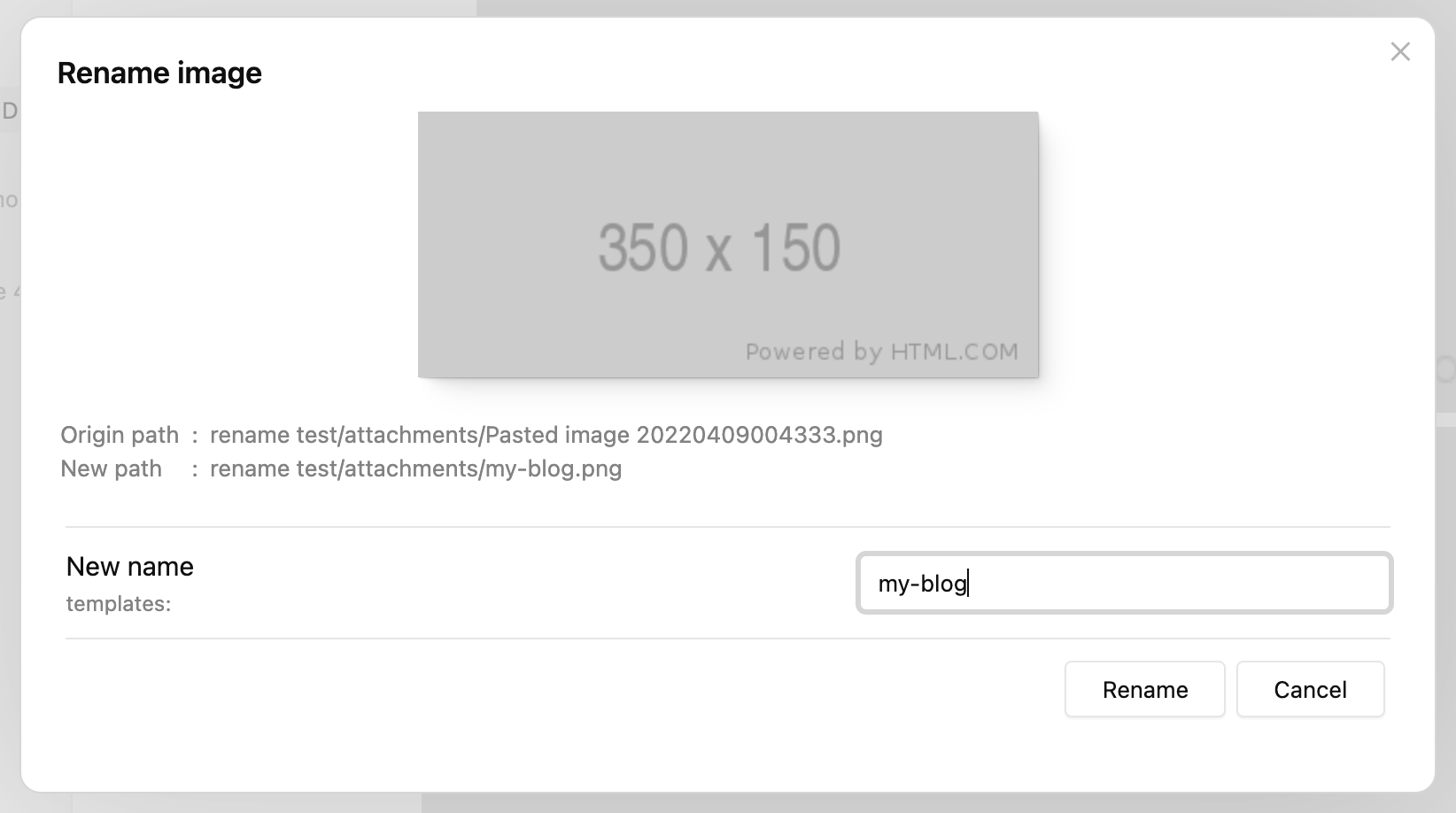
By typing the new name and clicking "Rename" (or just press enter), the image will be renamed and the internal link will be replaced with the new name.
If you set "Image name pattern" to {{fileName}} (it's the default behavior after 1.2.0),
"New name" will be generated as the name of the active file.
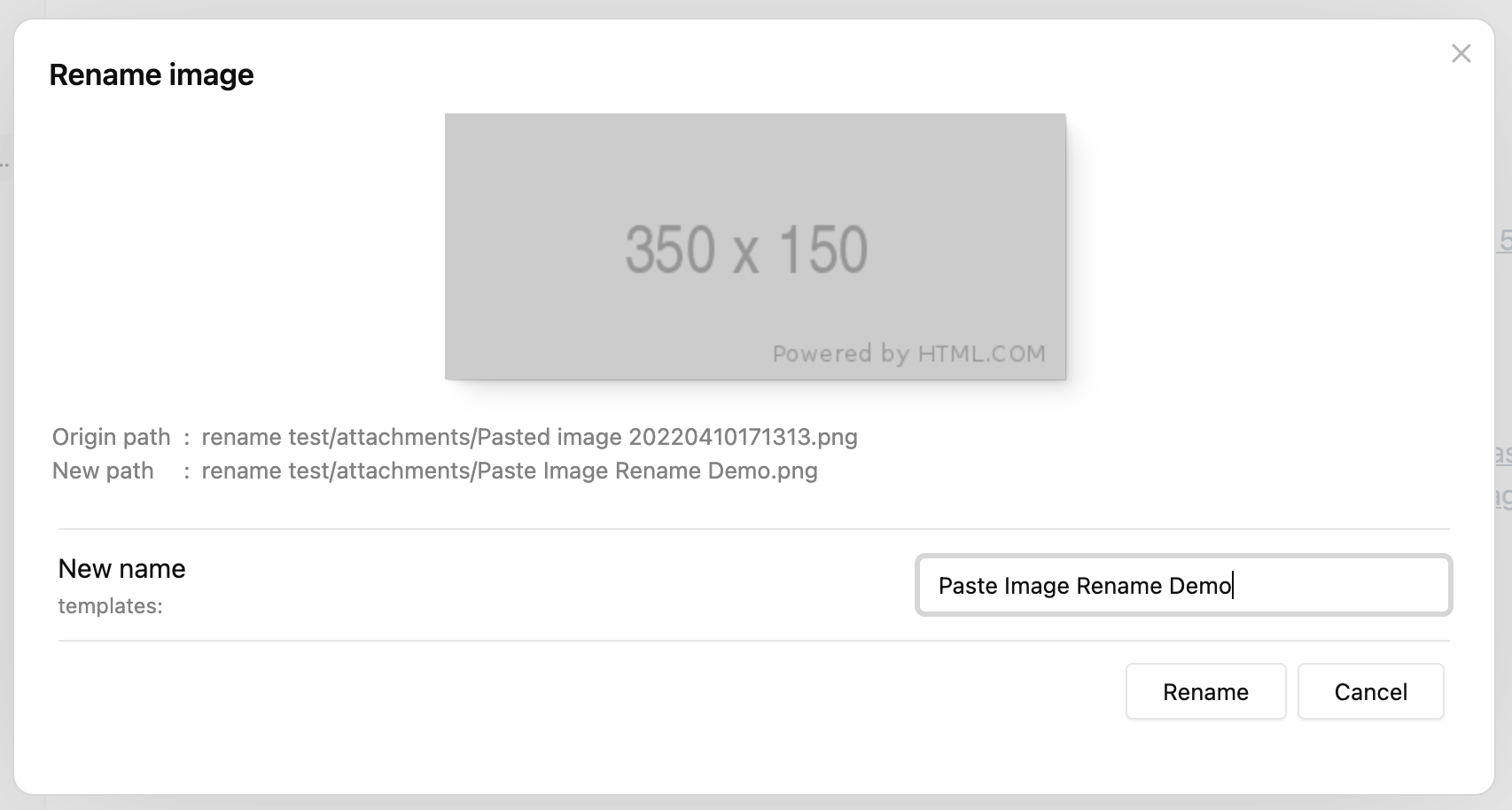
Set imageNameKey frontmatter
While adding a lot of images to one document, people possibly want the images to be named in the same format, that's where imageNameKey is useful.
First set a value for imageNameKey in frontmatter:
---
imageNameKey: my-blog
---
Then paste an image, you will notice that the "New name" has already been generated as "my-blog", which is exactly the value of imageNameKey:
You can change the pattern for new name generating by updating the "Image name pattern" value in settings.
For a detailed explanation and other features such as auto renaming, please refer to Settings.
Add prefix/suffix to duplicated names
The plugin will always try to add a prefix/suffix if there's a file of the same name.
Let's continue from the last section and paste the second image, the prompt will still show the new name as "my-blog", now if we just click "Rename", the file will be renamed as "my-blog-1.png", not "my-blog.png":
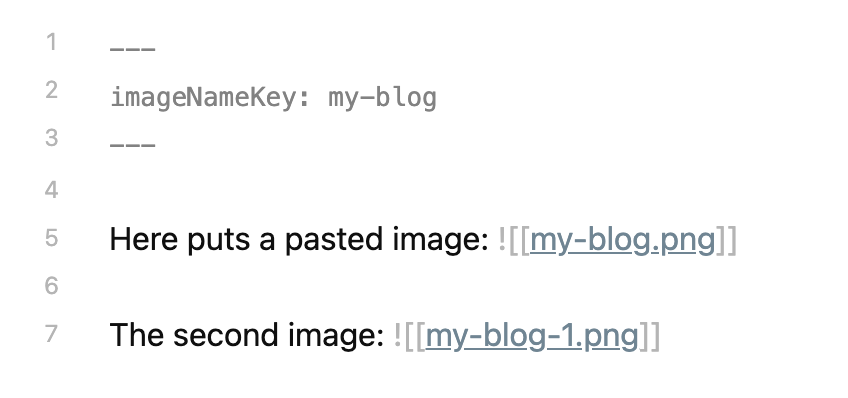
The -1 suffix is generated according to the default settings:
- Because "Duplicate number at start" is false, suffix is used rather than prefix
- "Duplicate number delimiter"
-is put before the number1
If we paste the third image without editing the "New name" input, its name will be "my-blog-2.png", the number is increased according to the largest number of "my-blog-?.png" in the attachment directory.
This feature is especially powerful if you enable "Auto rename" in settings, you can just add new images without thinking, and they will be renamed sequentially by the pattern and imageNameKey set.


 1
1


 Select Language